Blog
Release notes, development updates, and tips for getting the most out of Project Planner.
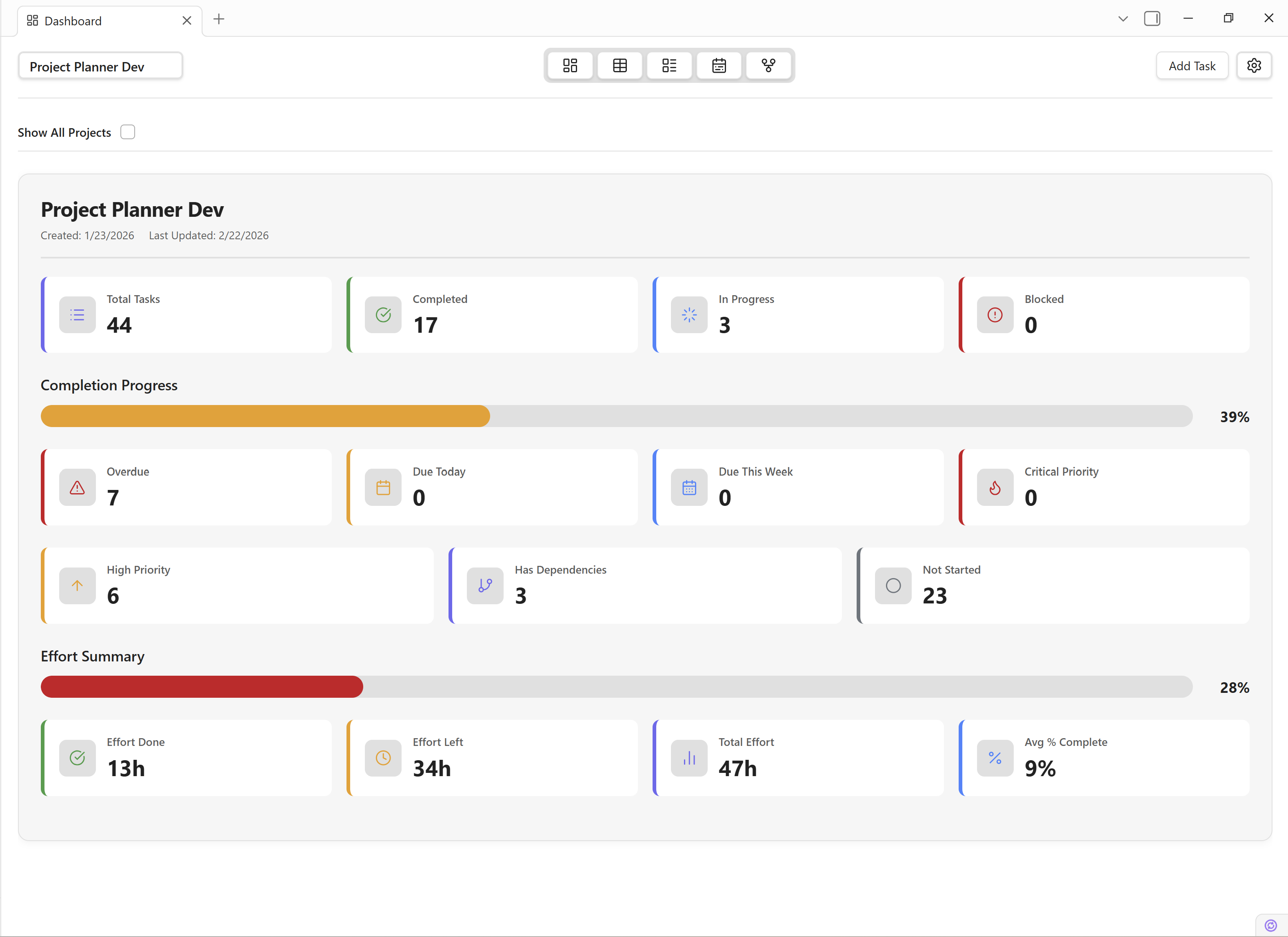
Project Planner v0.7.0 — Effort Tracking and Auto-Scheduling
Version 0.7.0 is the biggest update to Obsidian Project Planner yet. This release brings three headline features that put it on par with Microsoft Project and Premium Planner: full effort tracking, dependency-driven auto-scheduling, and visual dependency arrows on the Timeline.
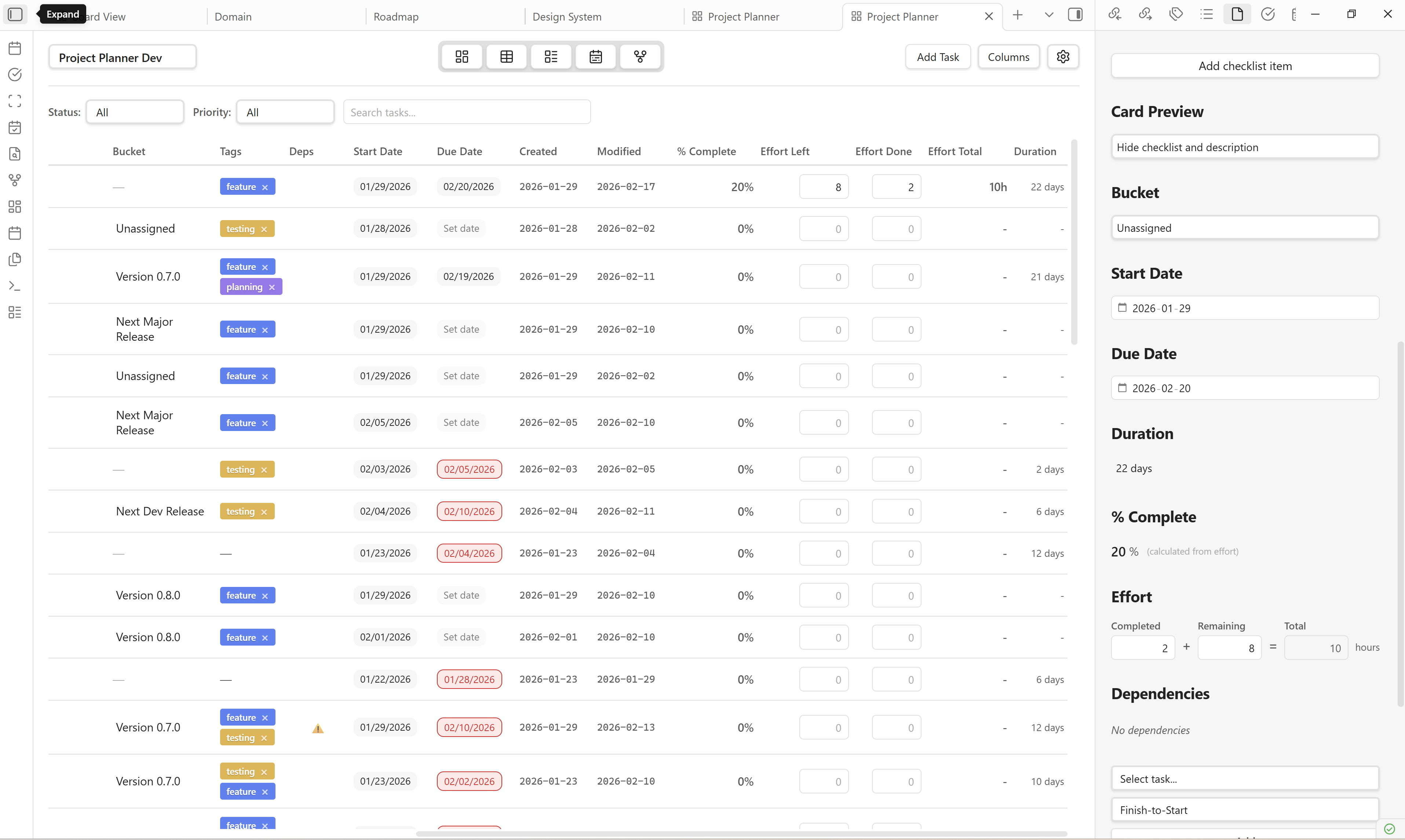
Introducing Task Effort Tracking in Project Planner
One of the most requested features for Project Planner is task effort tracking. While I'm actively working on implementing this feature, I wanted to share what task effort tracking is and how it will transform project management in Obsidian.
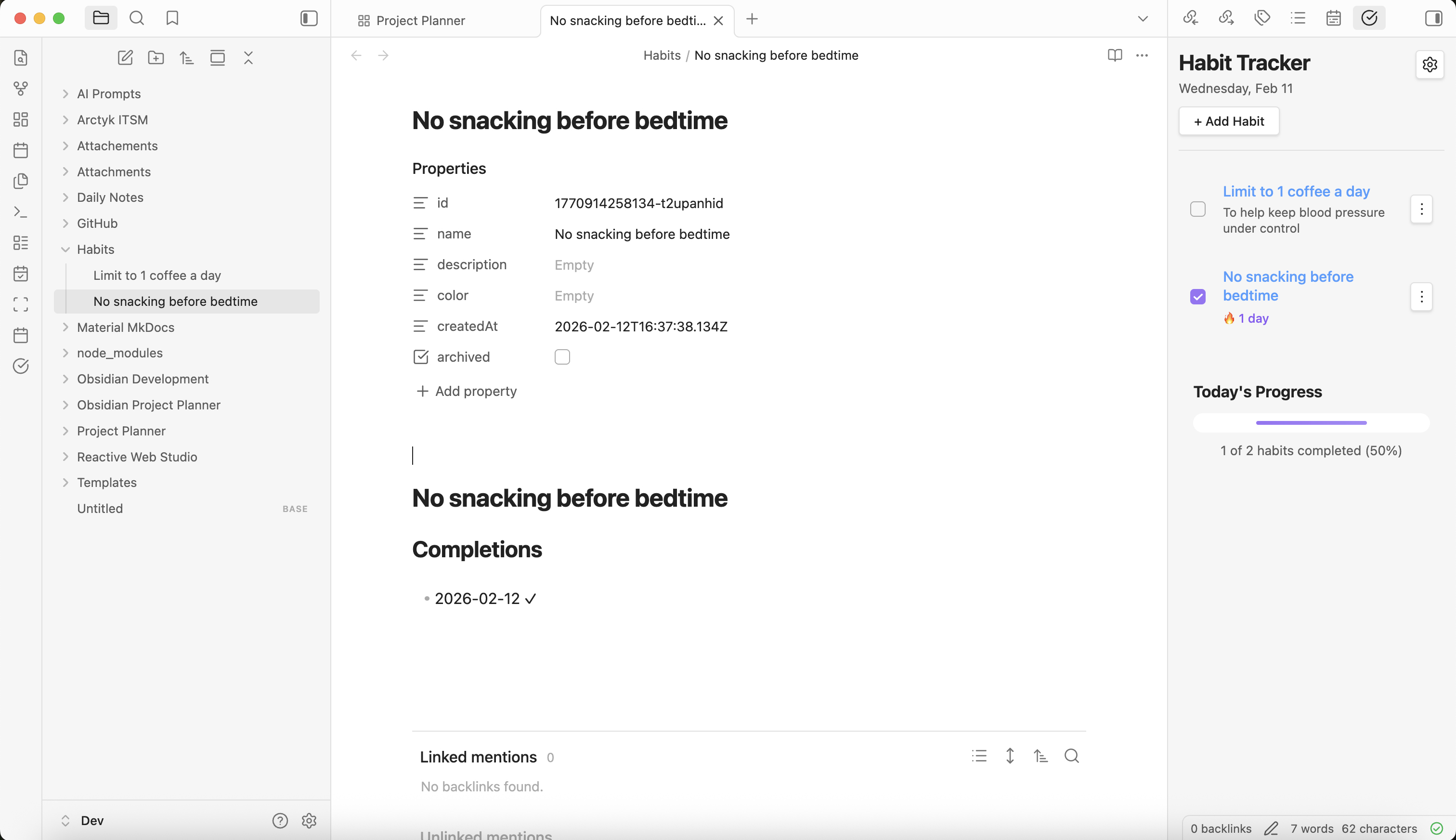
Introducing Obsidian Habit Tracker
Inspired by Atomic Habits, I built a habit tracking plugin for Obsidian. Track daily habits with streaks, progress tracking, and an intuitive interface — all stored as markdown in your vault.
[0.6.13] Development Release
Version 0.6.13 wraps up the rapid development week with Grid View column reordering, an icon-based header, and critical fixes for the Daily Note Scanner duplication bug.
Rapid Development
Announcing a week of daily releases focused on bug fixes, code cleanup, Obsidian plugin compliance, and UI/UX polish. Here's the roadmap and what to expect.
[0.6.9] Development Release
Patch release fixing Markdown Sync duplicate notes on task renames, bidirectional title sync, Grid View scroll preservation, and subtask drag-and-drop.
Help Wanted: Testing on MacOS and Linux
Project Planner needs testers on MacOS and Linux. Help us ensure cross-platform compatibility by reporting bugs, UI issues, and performance problems.
[0.6.7] Development Release
Bug fixes and compliance improvements plus some treats: inline bucket editing, enhanced cut/copy/paste context menus, deep linking, and ribbon icon customization.
[0.6.6] Development Release
More bug fixes: Dashboard completed task filtering, Grid View subtask indentation, Markdown Sync auto-creation and bidirectional sync improvements.
[0.6.5] Development Release
Critical fix for Obsidian Sync users: tasks no longer duplicate on startup. Also adds Created/Modified date tracking and new Grid View columns.
[0.6.4] Development Release
Board View gets a major refresh with card preview options — show checklists or descriptions directly on cards. Plus Microsoft Planner-style UI enhancements.
[0.6.3] Development Release
Introducing Daily Note Task Tagging — tag tasks in your daily notes with #planner and they're automatically imported into your projects with priorities, dates, and tags.